Simplifies file previews
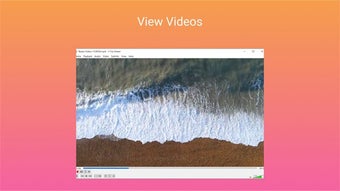
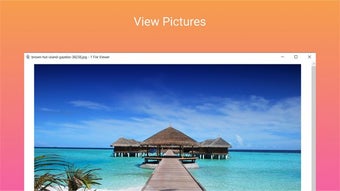
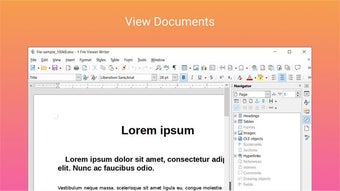
1 File Viewer makes opening a wide variety of file formats straightforward and fuss-free, providing a single place to view documents, images, audio, video, and archives without relying on multiple tools. With support for hundreds of common formats, this free program is a practical utility for anyone managing diverse files efficiently.
In everyday use, 1 File Viewer feels lightweight and responsive, helping you open and browse files without complex menus or clutter. The interface is simple enough that users can begin in minutes, and people opening PDFs, Word documents, images, or media files can expect performance.
All-in-one file explorer
1 File Viewer supports an extensive set of formats, letting you view DOC, DOCX, XLS, PPT, PDF, and numerous image types from a single, centralized screen. It shines when you need a quick preview without launching heavy software. The interface uses clear icons and labels for easy navigation. However, it focuses solely on viewing, so advanced editing or creation tools aren’t included.
In practice, the tool opens files quickly and reliably, providing users with a clear and practical view of content, even when handling less common or specialized formats. Those managing large collections of documents, images, or media will appreciate the smooth, efficient navigation and organized layout. On the downside, it does not include file editing or conversion capabilities, so users needing these features must use separate software solutions.
For workflows that require a universal viewer to inspect documents, images, and multimedia without installing multiple programs, this program is a reliable option. While it will not replace full office suites or advanced media editors, it excels at providing quick previews and broad format support. Some niche or uncommon formats may have limitations, so users should manage their expectations when using the tool for specialized files.
Reliable everyday file viewing
1 File Viewer remains a handy utility that is both easy to use and broadly capable. It is ideal for users who prefer not to install multiple viewers just to open different file types. Although it lacks editing or conversion features, its wide format coverage and straightforward, intuitive interface make it a dependable solution for routine document, image, and multimedia viewing tasks.